



Pinterest is a common traffic channel for foreign-trade independent sites — through Pins → Boards → link jumps, it brings overseas users interested in design, lifestyle, or products to your independent site or social profile. This article starts from Pinterest’s content organization (account → Board → Pin → link), first helps you decide whether to use one account or several, how to organize Boards and Pins, then covers SEO and independent-site traffic methods, and finally adds network planning. It doesn’t cover platform risk-control specifics; follow Pinterest’s usage policy and terms of service.
1. First Understand Pinterest’s Account and Board System
Account types (per currently available features):
- Personal account: the standard Pinterest account for individuals — create boards, pins, and save ideas
- Business account: for brands and businesses — includes Pinterest Analytics, Rich Pins (rich-media pins that pull structured information from your site pages and show it on the Pin), ads, and the Pinterest Tag (conversion tracking and ad measurement)
Account + Board + Pin structure:
- One account can hold many boards — split by theme/product/project (e.g., “Scandinavian home,” “bedroom ideas,” “small space living,” “kitchen design”)
- Each board holds Pins — a Pin is an image + title + description + destination link; product content can be published as Product Pins, which take part in Pinterest search and shopping distribution (per Pinterest’s current features)
- Pins can be re-pinned, spreading inside Pinterest; when external users click a Pin, they jump to the link destination (independent site/Shopify/blog/social profile)
Pinterest’s core model: a Pin = content + a traffic entry point. Whether a Pin gets distributed by Pinterest search/recommendation depends on its quality, title/description, and link relevance. Done well, it brings long-term search + recommendation traffic to your site; done poorly, it’s low-efficiency “image archiving.”
2. One Account + Multiple Boards, or Multiple Accounts?
This is the question worth thinking through first in Pinterest operations.
If it’s the same brand and the same independent site, just with different product lines or content topics, you can usually prioritize one Pinterest business account managed through multiple Boards — there’s no need to mechanically create multiple accounts. For example, a home-decor independent site can organize Boards by content direction:
- Scandinavian Home
- Bedroom Ideas
- Small Space Living
- Kitchen Design
Different brands, different independent sites, or completely different businesses and target audiences are better operated with separate accounts.
Pinterest’s core of content organization is first the Board, not simply the number of accounts. A single account can keep maintaining multiple Boards and keep adding Pins as content and product lines grow — the account structure serves content organization, and there’s no need to set an artificial “how many Pins to post” target.
3. Pinterest Multi-Account / Multi-Board Scenarios
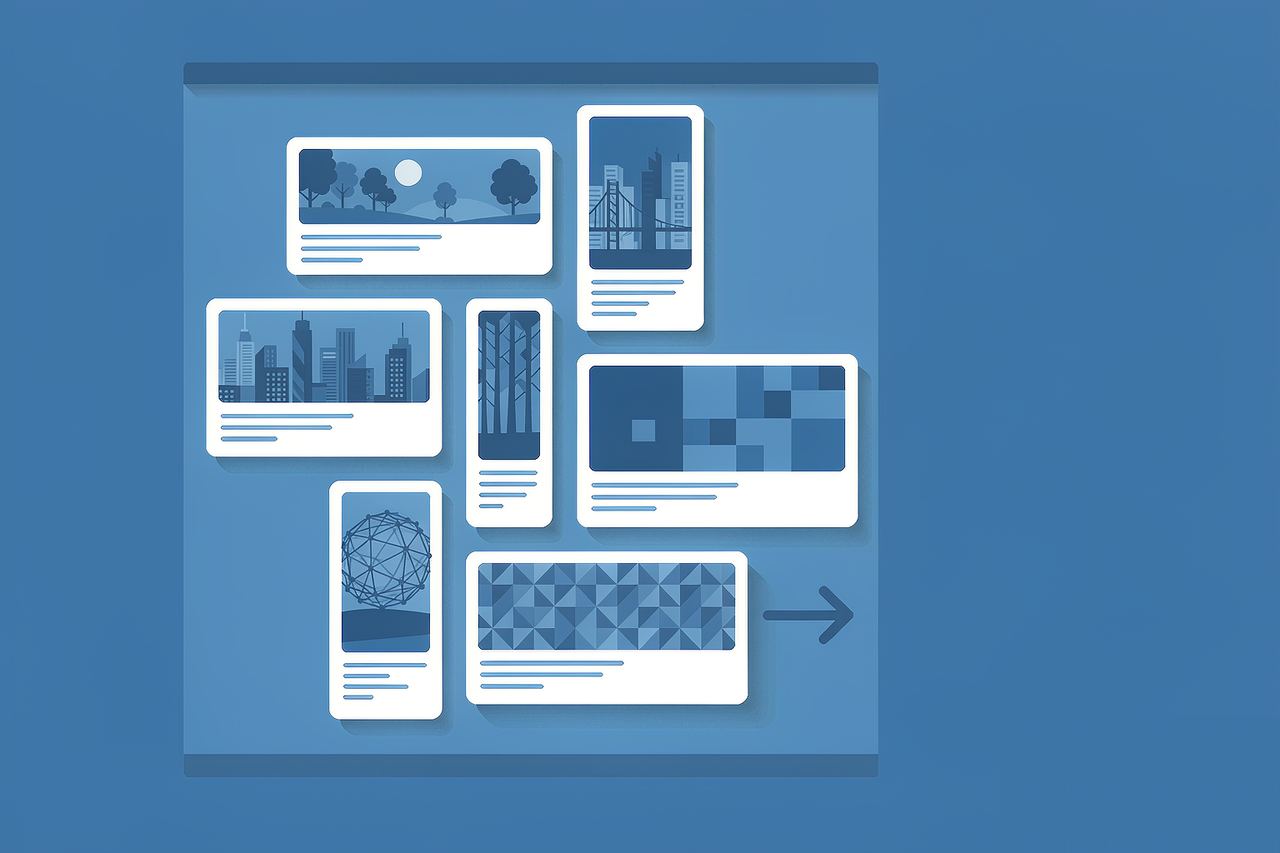
Before considering multiple accounts, confirm this first: a single account + multiple Boards can itself form a complete content matrix. Splitting accounts is only more necessary when brands, independent sites, or target audiences clearly differ — multi-account is not the default mode of Pinterest operations.
When multiple accounts are confirmed, common scenarios include:
- Multiple brands/sites: one Pinterest account per independent site, each split into multiple boards (product lines/themes)
- Multiple markets: English market, Nordic market, North American market run by separate accounts
- Main brand + sub-brand/theme accounts: main-brand pin matrix + themed pin matrices (e.g., fashion + lifestyle)
- Brand operator + individual creator: one person running a brand account + a personal content account
In these scenarios, the Board grouping and Pin topic planning within each account matter more to results than the number of accounts itself.
4. Network Planning for Pinterest Traffic
Pinterest results depend not only on the network environment, but also on Pin content, Board structure, search keywords, landing pages, and user engagement. The network mainly addresses stable access, team collaboration, and managing different business assets — sharing IPs doesn’t necessarily mean a problem, and independent IPs are not a platform requirement.
How to pair network environment with account structure — first choose the structure by operational need:
| Operational need | Recommended structure |
|---|---|
| Same brand, multiple product lines | One account + multiple Boards |
| Same independent site, different content topics | One account + Board categories |
| Different brands / different independent sites | Run separate accounts |
| Completely different business teams | Separate accounts and separate management environments |
| Multi-market content | Decide by brand, domain, content language, and how the team actually operates |
On “independent IP”: independent exits are a management approach, not a platform mandate — multi-account operations must follow Pinterest’s usage policy and community rules. Whether independent exits are needed depends on account role, Board grouping, and traffic scenario; plan the account structure by content organization first, then decide the network environment by team collaboration needs.
5. Asset Management for Multi-Account / Multi-Board
When Pinterest operations involve multiple accounts, multiple Boards, and various login terminals (web, mobile app, third-party tools such as Tailwind/Buffer), the core is team asset management:
- Record each account’s business line, brand, and responsible person
- Record board groupings and pin themes per account
- Record the devices and login terminals used
- Record the network exit (for fixed exits, note the IP environment)
- Update records on personnel handover
- Plan independent network exits when different brands/business lines need separation
Whether isolated exits are needed is more a team asset management need than a platform requirement.
6. Notes for Pinterest Traffic Generation
Pin SEO essentials:
- Title clearly states the topic or product
- Description naturally includes relevant keywords
- Image is clear and readable on mobile
- Link points to a landing page highly relevant to the Pin content
Board SEO essentials:
- Board name clearly reflects the topic
- Board description naturally uses relevant keywords around the topic
- Avoid stuffing repetitive keywords
Pinterest isn’t just “posting images” — Board structure and Pin topic organization matter just as much. A clear topical structure is more likely to earn ongoing distribution than scattered bulk posting.
- Link stability: make sure Pin destination links open normally — avoid 404s, dead pages, or wrong redirects that hurt user experience and traffic results
- Posting frequency: when batch posting, focus on content quality, pacing, and current platform feature limits rather than sheer volume; don’t follow so-called “warm-up / bulk-posting” tutorials
- Content quality: Pinterest favors visual content; product images, how-tos, and infographic pins tend to get better clicks and repins — keep descriptions consistent with images to reduce wasted clicks
7. FAQ
Q: How many Boards should one Pinterest account create?
A: There’s no universal number requirement. What matters more is whether Boards are organized around clear topics, products, or content directions — avoid mechanically creating lots of duplicate boards just to increase count.
Q: Do different product lines need separate Pinterest accounts?
A: Not necessarily. The same brand can prioritize one business account + multiple Boards to manage different product lines; only when brands, independent sites, or target audiences clearly differ is splitting accounts more appropriate.
Q: Can Pinterest multi-account use the same network exit?
A: Yes. Multi-account operations must follow Pinterest’s usage policy; the same team operating multiple accounts in a normal environment doesn’t necessarily mean restricted. Whether independent exits are needed depends on account role, Board grouping, and traffic scenario.
Q: Do Pinterest accounts need one IP per account?
A: Pinterest doesn’t generally require “one account, one IP.” Whether independent exits are needed depends on team management, business isolation, and traffic scenario — not a platform mandate.
Q: How do you generate traffic with Pinterest?
A: Through the Pin → destination link path: a Pin’s image, title, description, and link determine exposure and click quality; after a Pin is distributed by Pinterest search/recommendation, users click it to reach the destination (independent site/Shopify/blog/social). Traffic results also depend on how relevant the Pin topic and landing page are.
Q: What are Rich Pins for?
A: Rich Pins pull structured information from your website pages and show part of that info (products, articles, etc.) on the Pin — useful for e-commerce or content sites to make Pins more informative. For the exact supported fields and how to enable them, follow Pinterest’s current official requirements.
8. Summary
The main logic of Pinterest traffic generation for foreign trade follows the content chain of account → Board → Pin → SEO/search & recommendation → link/independent-site traffic:
Account → Board → Pin → SEO / Search & Recommendation → Link (site traffic) → Network as supporting layerFirst decide the account structure by brand and independent-site scope (one account + multiple Boards is usually the best fit for the same brand), then organize Boards and Pins around clear topics, improve distribution with relevant titles, descriptions, and landing pages, and finally plan the network environment by team collaboration needs. IP is infrastructure, not the protagonist of operations; stable and clear collaboration environments are the foundation of a long-term Pinterest traffic matrix (team collaboration standards in the team multi-account IP plan).
For fixed, stable exits: if the main need is a stable fixed exit → Static Datacenter IPs usually suffice (available at IPNut); if you also need ISP/residential network-source attributes → Static Residential ISP. Pinterest traffic comes from sustained content output; the network environment should simply not interrupt that pipeline.
