



Introduction
Web scraping and data collection are the classic battlefield for datacenter proxies: public data, heavy request volume, and a need for stable, abundant exits. Many teams “bought the right proxy but got the setup wrong” — throttled, banned, incomplete data — the problem is usually in the config and strategy.
This article gives a practical setup and pitfall checklist: proxy protocol choice, connection pools, rate control, common traps, and compliance tips — so you can use datacenter proxies correctly and steadily. For long-running scraping, price monitoring, public directory collection, and data sync tasks, a datacenter proxy is usually one of the most cost-effective scraping proxy options.
Compliance boundary: this article only covers compliant collection of public data / public APIs, respecting target platforms’ terms of service; no login bypass, ban evasion, or non-public data.
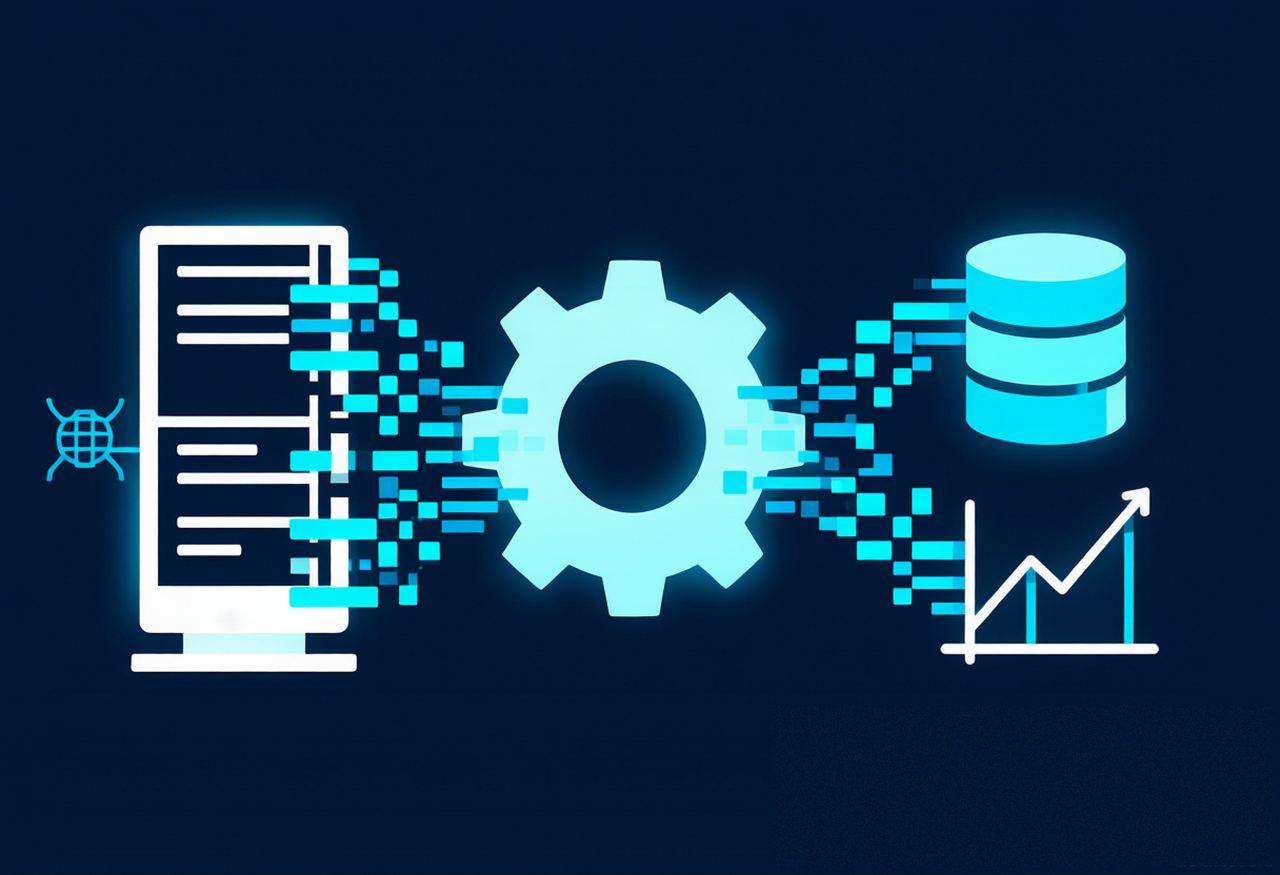
1. Why Collection Tasks Fit Static Datacenter Proxies
Public data collection’s core needs are: volume, stability, cost control. That’s exactly what static datacenter proxies excel at — generous or unmetered traffic depending on the plan, dedicated exits, and on-demand scaling.
If you’re new to them, check out “What Is a Datacenter Proxy? Use Cases, Advantages, and Residential Differences” first. In short: for collection tasks that don’t need to “look like a real user,” datacenter proxies are usually the best value.
2. Basic Setup Checklist
| Item | Recommended practice | Why |
|---|---|---|
| Proxy protocol | Prefer HTTPS / HTTP CONNECT; SOCKS5 for special cases | The proxy protocol is separate from the target site’s HTTPS; choose by client capability |
| Exit selection | Fixed egress, chosen by target region | A long-term same static exit better supports session and region consistency |
| Connection pool | Reuse connections and size the pool sensibly | Reduces handshake overhead; avoids connections stacking up or excessive concurrency |
| Timeout & retry | Reasonable timeout + limited retries with backoff | More stable under jitter, avoids request avalanches |
| Session stickiness | Keep one static exit long-term when cookies/session or region consistency matter | Stable session and region, less likely to look anomalous |
3. Rate & Concurrency: Start Restrained
Rate control is the key to long-term stability:
- Ramp up gradually: start low to validate connectivity and data quality, then step up to a pace the target accepts;
- Rate to the terms: follow the target site’s published access limits and terms of service, and avoid generating excessively high request volume in a short window;
- Control concurrency: don’t max out at once — watch responses and throttle signals, then adjust;
- Monitor & alert: track success rate, throttle codes (e.g., 429), and failure patterns; back off in time.
Principle: a stable sustainable rate beats short-term bursts. A collection that gets interrupted costs more than a slower one.
4. Common Pitfalls
| Pitfall | Consequence | Fix |
|---|---|---|
| High-frequency requests from one IP | Throttled / flagged | Control rate and follow the target platform’s rules |
| Ignoring target platform terms | Compliance risk | Public data only, follow the terms |
| Improper proxy header handling | Forwarded, X-Forwarded-For, Via headers misread by the target | Know what these headers do; clean them as needed or let the proxy side handle them uniformly |
| DNS resolution path mismatch | DNS resolution and proxy egress may differ, causing path anomalies | Confirm DNS is resolved by the proxy side and matches the egress |
| No logging / monitoring | Hard to diagnose | Log time, exit, status code |
5. What If You Get Banned?
When a collection task hits a restriction, first tell apart whether it comes from request rate, network egress, request configuration, or the target platform’s policy, then adjust accordingly — don’t try to bypass restrictions by constantly changing exits. Go through the checklist in “Proxy IP Banned? 10 Causes, Self-Check Methods, and Solutions” and fix accordingly.
6. Compliance Tips
- Collect only publicly visible data and interfaces;
- Follow target platform terms of service and robots guidance;
- Control frequency so you don’t burden target platforms;
- Don’t collect or process personal or non-public data.
Compliance isn’t a “constraint” — it’s what keeps collection tasks runnable long-term.
7. Conclusion
Pair static datacenter proxies with solid protocol, connection, rate, and monitoring setups, and you get a stable, low-cost supply of public data; when banned, self-check first — don’t let a config issue take the blame.
Selection logic: for high-concurrency, cost-sensitive tasks, start with static datacenter IPv4 proxies; if you need a huge number of exits, scale out via “IPv6 Datacenter Proxy”; for business with stricter network-type/operator requirements, static residential ISP proxies fit better. For example, IPNut provides these resources — choose a plan according to your task scale and the target platform’s rules.
