



“My ad account got restricted again — is it the IP?” This is one of the most common questions in advertising groups. To be clear: ad account restrictions can be triggered by many things — payment, ad creatives, behavior patterns — and IP is only one factor at the network layer. This article does not promise “switch IP and you’re unblocked.” Instead, it gives you a practical, IP-focused troubleshooting and protection workflow: first confirm whether it’s a network signal issue, then decide whether to change your environment. The discussion covers the role of IP in the network environment only; it does not describe platform-specific risk-control rules.
1. First, Understand: Which IP Signals Facebook Risk Control Looks At
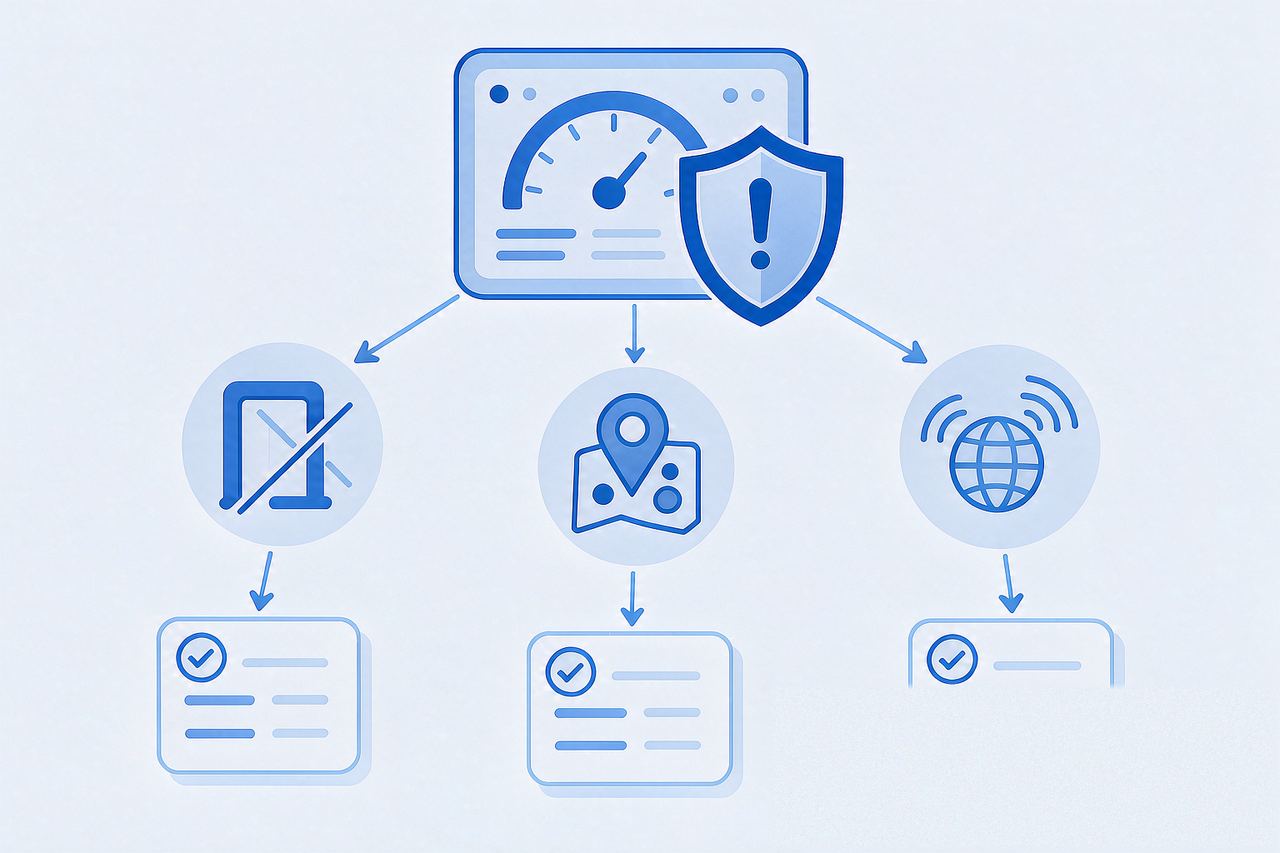
Facebook’s risk assessment combines signals across device, behavior, payment, and network. The common IP-related ones include:
- Exit IP type: datacenter/IDC IPs are identified as hosting networks, clearly different from typical personal-user networks
- Login location jumps: an account that long logs in from region A suddenly appears frequently in region B
- Multiple accounts sharing one network: multiple ad accounts behind the same exit IP, with heavily overlapping network signals
- Environment leaks: DNS/WebRTC leaks exposing your real network info, contradicting the proxy configuration
Note: these are “signals,” not “verdicts.” Platforms weigh them together; no single item alone determines a restriction.
2. Three Troubleshooting Steps: Determine “Is It IP-Related?”
Step 1: Check the exit IP’s ownership and type
In your ad environment, open a third-party IP detection tool (e.g., a mainstream IP detection website) and look at three fields: country/region, ISP/ASN, and IP type (residential / datacenter / proxy flags).
- Expected: the region matches your targeting, and the type fits your environment strategy
- If you see a “datacenter/hosting/proxy” flag, your network is being identified as a hosting network — a common risk signal
Step 2: Check for leaks
Confirm via leak detection that DNS and WebRTC are not exposing your real network. If you see an IP inconsistent with your proxy configuration, the environment’s “identity” doesn’t hold up — a network-layer contradiction. For WebRTC leak troubleshooting, see how fingerprint browsers and proxy IPs divide the work.
Step 3: Review the account’s login history
If an account has long logged in from one country and suddenly switches to a US IP for high-frequency operations, risk signals rise sharply. Environment changes should follow a pace — faster is not better.
3. Environment-Side Protection: Keep the “Network Signal” Clean
Once you confirm IP-related signals are problematic, fix them from these angles:
1. Use an IP type consistent with the account’s history
If the account has long used residential networks, keep residential/static ISP exits; don’t flip between IDC IPs and personal residential IPs casually.
2. Fix the environment; reduce jumps
One ad account should map to one stable network environment with a long-lived exit IP. Changing IPs is not inherently a problem — frequent, patternless jumps are the signal.
3. Align region, timezone, and language
A US IP should come with a US timezone and English-language environment. Don’t let the “persona” contradict itself internally.
4. Isolate IPs across accounts
Different ad accounts should use independent exit IPs to avoid overlapping network-layer signals.
4. Already Restricted? What to Do
- Follow the official process first: when an ad account is restricted, Facebook’s appeal/verification flow is the only official channel. Submit as prompted.
- Self-check the environment: before and after appealing, confirm the current environment (IP type, region, leaks) is clean and consistent — avoid repeated operations from a problematic environment.
- Rebuild with a stable environment: if you continue, restart with a clean static IP and a fully aligned environment, rather than brute-force switching IPs.
No promises, but this much is clear: making the network-side signals clean is a way to reduce a class of common risk signals. It raises the environment’s “credibility,” but cannot guarantee the account won’t be restricted — that depends on the platform’s overall assessment.
5. FAQ
Q: Will switching IP unblock my ad account?
A: Not guaranteed. IP is only one risk signal; unblocking depends on the platform’s overall account assessment. Changing IP avoids stacking more network-side risk signals; it is not an unblock switch.
Q: Can I keep using the same IP after a restriction?
A: First check whether the IP was flagged or shared with other restricted accounts. If the IP is clean and exclusive, you can continue; if it was associated with restricted accounts, switch to a dedicated IP.
Q: Is a datacenter IP always unusable?
A: Not necessarily. In some scenarios (programmatic ad verification, batch testing), a Static Datacenter IP works fine. But for account-environment credibility, residential/static ISP exits are usually closer to real user networks.
Q: Does the HTTP vs SOCKS5 protocol matter for ad accounts?
A: Protocol type itself is not a risk signal; what matters is the exit IP’s quality and stability. Both protocols work; see the SOCKS5 vs HTTP proxy guide for selection advice.
6. Summary
Ad account restrictions have complex causes; IP is just one dimension at the network layer. The right approach: troubleshoot first (IP type / leaks / login history), then fix (stable environment, region alignment, account isolation), and finally follow the official appeal flow. Making network signals clean is a way to reduce risk — not a magic bullet.
When setting up, IPNut‘s Static Residential ISP offers network attributes consistent with real user networks (residential/ISP flags). Combined with region and timezone alignment, it helps you solidify the network layer. For environment design, see also the fingerprint browser vs proxy IP guide.
