



For foreign-trade and cross-border private-traffic teams running multiple WhatsApp accounts, the headache usually isn’t the accounts themselves — it’s the network environment. Multiple accounts active behind the same exit IP produce heavily overlapping signals; frequent login-location jumps easily trigger platform security verification. This article doesn’t promise “set it and forget it.” Instead, it explains, at the network layer, how to allocate and maintain static IPs for WhatsApp multi-account / multi-device setups. The discussion covers the role of IP in the network environment only; it does not describe platform-specific risk-control rules.
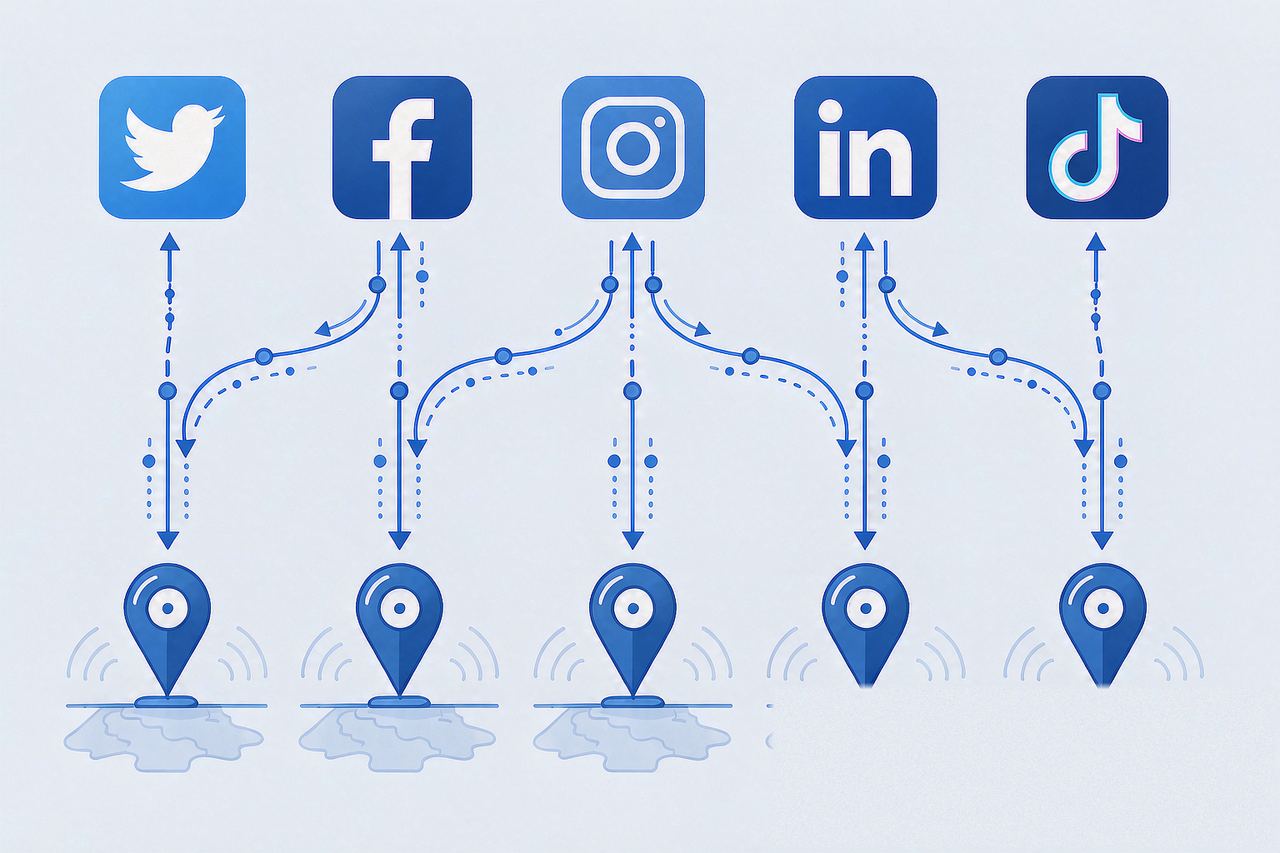
1. Why WhatsApp Multi-Account Starts with the Network Layer
WhatsApp’s account safety assessment also weighs device and network signals. The common IP-related ones:
- Sudden exit-IP changes: the account’s habitual network region suddenly shifts frequently
- Multiple accounts sharing one network: accounts behind the same exit IP with overlapping network-side signals
- Contradictory environment info: IP region, timezone, and language not matching up
- Triggered verification: accounts asked to “verify identity,” often related to abnormal login-environment signals
Key insight: the network layer isn’t the only evaluation dimension, but it’s the one you can actively control and is costly to fake. Making network signals clean reduces a class of risk signals — it is not a guarantee.
2. The Framework: Multi-Account × Static IP Allocation
Principle: one account (or one clearly defined account group) maps to one stable exit IP, unchanged long-term.
How to allocate depends on team scale:
| Scenario | Allocation advice | Rationale |
|---|---|---|
| Personal multi-account (2-5) | One dedicated static IP per account | Thorough signal isolation |
| Team multi-account (5-20) | One IP per account group | Balance cost vs isolation |
| Multi-device sync login | For the same account across devices, keep device exit IPs in the same region | Avoid inter-device regional contradictions |
The core value of static IPs: a fixed exit address. The IP doesn’t change, the account’s network “persona” stays stable, and dynamic switching doesn’t create patternless jump signals.
3. Operational Essentials (Four Network-Layer Steps)
- Region alignment: choose an IP region matching your target customer market (e.g., US/EU IPs for US/EU customers), and keep timezone and language consistent
- Protocol and port: WhatsApp client traffic works over SOCKS5 or HTTP — what matters is a stable exit IP (for protocol selection, see the SOCKS5 vs HTTP proxy guide)
- Environment check: after configuration, verify the exit IP type (residential/ISP flag), region, and absence of DNS/WebRTC leaks before logging in
- Long-term fixation: once the account is logged in, keep that IP long-term; don’t switch without reason
4. Common Mistakes
- Mistake 1: switching IPs frequently is safer — the opposite: frequent, patternless jumps are a classic abnormal signal; static environments pursue stability
- Mistake 2: a fingerprint browser alone is enough — fingerprints handle the device layer; the network layer still needs independent IPs. See how fingerprint browsers and proxy IPs divide the work
- Mistake 3: all accounts share one IP — unless it’s a deliberate shared-network strategy (same account group, same customer base), isolate
- Mistake 4: only looking at IP region, not type — datacenter IPs and residential/ISP IPs differ in platform-perceived credibility; account-operation scenarios favor exit types consistent with real user networks
5. FAQ
Q: Does WhatsApp multi-account operation lead to account restrictions?
A: Multi-account itself isn’t the problem — abnormal environment signals are: shared networks, jumps, regional contradictions. Stabilizing the network environment reduces risk, but platform assessment is holistic; there is no “guaranteed no restriction.”
Q: Can the same account be logged in on phone and PC simultaneously?
A: WhatsApp supports multi-device login (official feature), but keep each device’s exit IP in the same region to avoid inter-device signal contradictions.
Q: Static or dynamic IPs for WhatsApp?
A: Account-operation scenarios generally favor stability: static IPs (fixed exit address) help build a long-term consistent network persona; dynamic IPs suit scenarios insensitive to exit changes. Choose by your strategy — more expensive isn’t better.
6. Summary
The network-layer plan for WhatsApp multi-account in one line: fixed accounts, aligned regions, right type, unchanged long-term. IP is the signal dimension you can actively control; making it solid, combined with official compliant use, beats blindly chasing “anti-ban tricks.”
IPNut‘s Static Residential ISP provides fixed exit IPs with residential/ISP type flags, supports HTTP/SOCKS5, and can be purchased by region in the dashboard — suitable for building a stable network environment for WhatsApp accounts. For batch data-verification tasks, pair it with a Static Datacenter IP.
