



Choosing a proxy usually starts with the same question: HTTP or SOCKS5? Both are called “proxies,” but they work at very different layers and handle traffic differently. This article cuts through the noise, explains the real differences, and gives you a clear answer by use case. The discussion is limited to publicly known protocol behavior; no specific service-level promises are made.
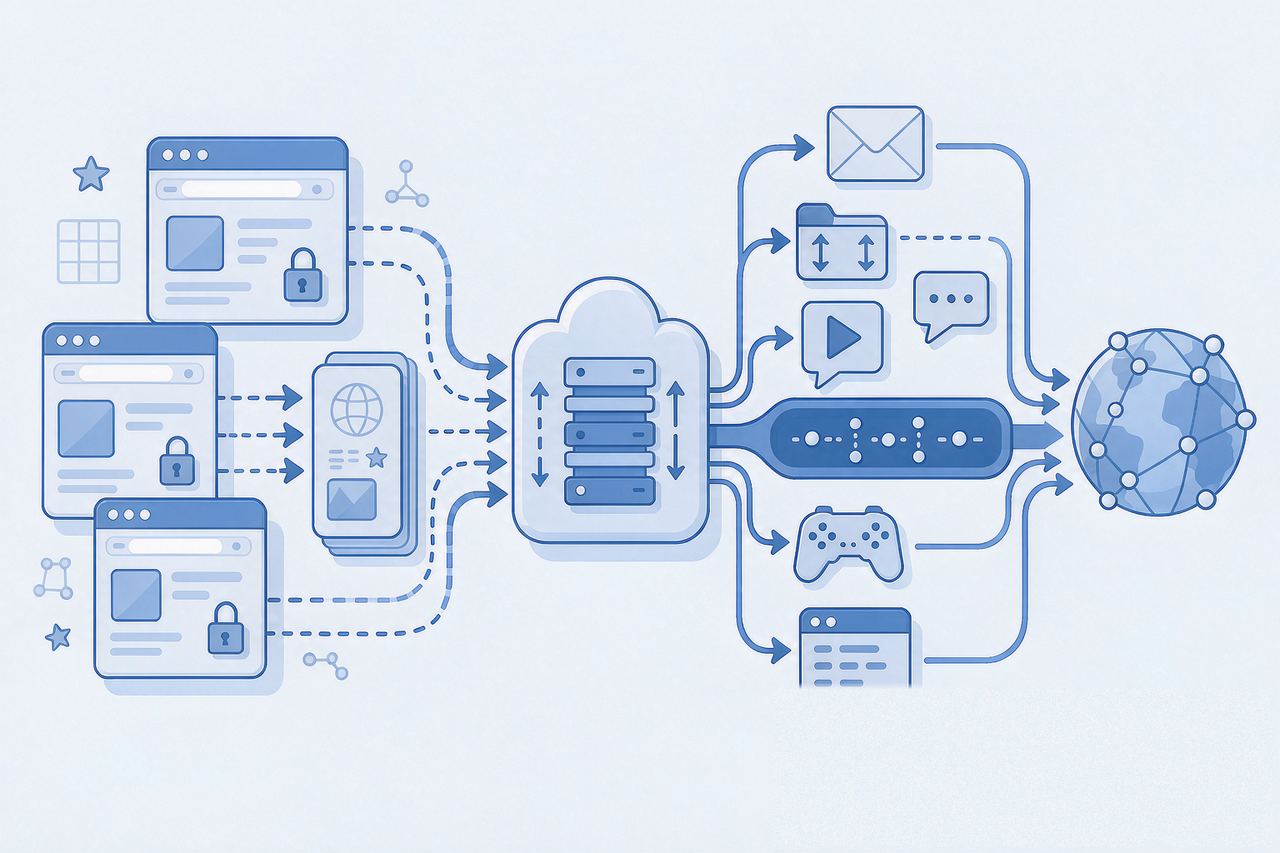
1. What They Are: HTTP Proxy vs SOCKS5 Proxy
HTTP proxy operates at the application layer. It was originally designed for web browsing: the client hands an HTTP request to the proxy, the proxy fetches the target page, and returns the result. Because it “understands” the web protocol, it can cache, filter, or rewrite content.
SOCKS5 proxy operates at the session layer, lower and more neutral. It does not care what you transfer — web, email, game traffic, P2P — it simply establishes a data channel and forwards bytes as-is. This is the key to understanding the difference.
In one line: HTTP proxies “process” your web requests; SOCKS5 just “shuttles” your data, with no taste.
2. Four Dimensions That Matter
| Dimension | HTTP Proxy | SOCKS5 Proxy |
|---|---|---|
| Working layer | Application layer (HTTP) | Session layer (data channel) |
| Application support | HTTP / HTTPS traffic only | Nearly everything: web, mail, FTP, games, IM |
| Client compatibility | Apps must explicitly support it | Most clients support it natively, no extra config |
| Data handling | Can cache, filter, rewrite | Pass-through, no content processing |
| Authentication | Username/password or built-in | Username/password |
Two details people often miss:
- Encryption: HTTP proxy does not encrypt by itself — the encryption in HTTPS comes from the site protocol. SOCKS5 is the same: it guarantees a working channel, not content confidentiality.
- Speed: SOCKS5 is often slightly faster because it does no application-layer parsing, but in real use, the difference between protocols is far smaller than the difference between proxy servers themselves.
3. Which One to Pick, by Use Case
Multi-account operations, social media matrix (FB / IG / WhatsApp, etc.) → prefer SOCKS5
These scenarios mix traffic types, and clients (anti-detect browsers, IM tools) usually support SOCKS5 natively. SOCKS5’s flexibility and port-agnostic channel fit the wide range of apps involved.
Web browsing, data scraping → HTTP is simpler
Most scraping frameworks (Scrapy, requests, etc.) and browser extensions have the most mature support for HTTP proxies. Configuration is straightforward, docs are abundant, and debugging is easier.
Games, mail, special-port applications → SOCKS5
These flows are not HTTP, so HTTP proxy simply cannot carry them — only SOCKS5 works.
When in doubt → check what your client defaults to
Many ops tools (AdsPower, Hubstudio, etc.) expose both. The default is often SOCKS5; if your tool only supports HTTP, just use HTTP — for routine operations the practical difference is small.
4. FAQ
Q: Is SOCKS5 more secure than HTTP?
A: Not necessarily. Both are unencrypted by default. Security depends on the overall proxy chain (whether traffic is going over HTTPS, whether there’s a tunnel, etc.), not the protocol choice. Don’t treat protocol selection as a security switch.
Q: Can the same proxy IP support both HTTP and SOCKS5?
A: Yes. Many providers expose both protocols on the same IP (for example, IPNut‘s Static Residential ISP and Static Datacenter plans support both HTTP and SOCKS5 on the same IP). You pick the protocol in the client; the exit IP is the same.
Q: Why does my anti-detect browser show “SOCKS5” under proxy type?
A: When you create a browser profile, the protocol you fill in for the proxy is recorded in the profile config and surfaced on the detection page. Either protocol works — it just reflects which one you set.
5. Summary
HTTP and SOCKS5 are not “good vs bad,” they are “fit for scenario”: web-style traffic → HTTP is easier; multi-protocol, multi-port scenarios → SOCKS5 is more universal. To choose, look at what your tool supports, then the traffic type. Once those two are decided, proxy quality is what actually drives account-environment stability — set the proxy up, then open an IP detection tool to verify exit IP type, region, and leak status, and only then put it into production.
IPNut provides both Static Residential ISP and Static Datacenter IPs with HTTP and SOCKS5 access on the same IP. You can switch protocols in the dashboard without re-purchasing.
