



Many businesses need multiple Google/Gmail accounts (personal, work, different business accounts). This article covers IP planning and network-environment management for Google multi-account scenarios: when independent network environments are needed, how to handle registration and daily use, and how to manage account security. It covers account management and network-layer methods only — always follow Google’s account policies.
1. Google Multi-Accounts: Understand the Native Capability First
Google natively supports signing into multiple Google accounts at once and switching between them. Normal personal, work, and business accounts don’t imply one-account-one-IP — whether independent network environments are needed depends on business ownership, team collaboration style, and actual management needs.
- For accounts with independent business ownership or separate management needs, plan relatively independent network environments
- For accounts used by the same team in normal collaboration, plan together per business relationships
Note: multi-account use must follow Google’s account policies — Google supports normal multi-account use but prohibits using multiple accounts to violate policy or abuse services (policy details per Google’s official pages).
2. Network Planning: When Do You Need Independent Exits
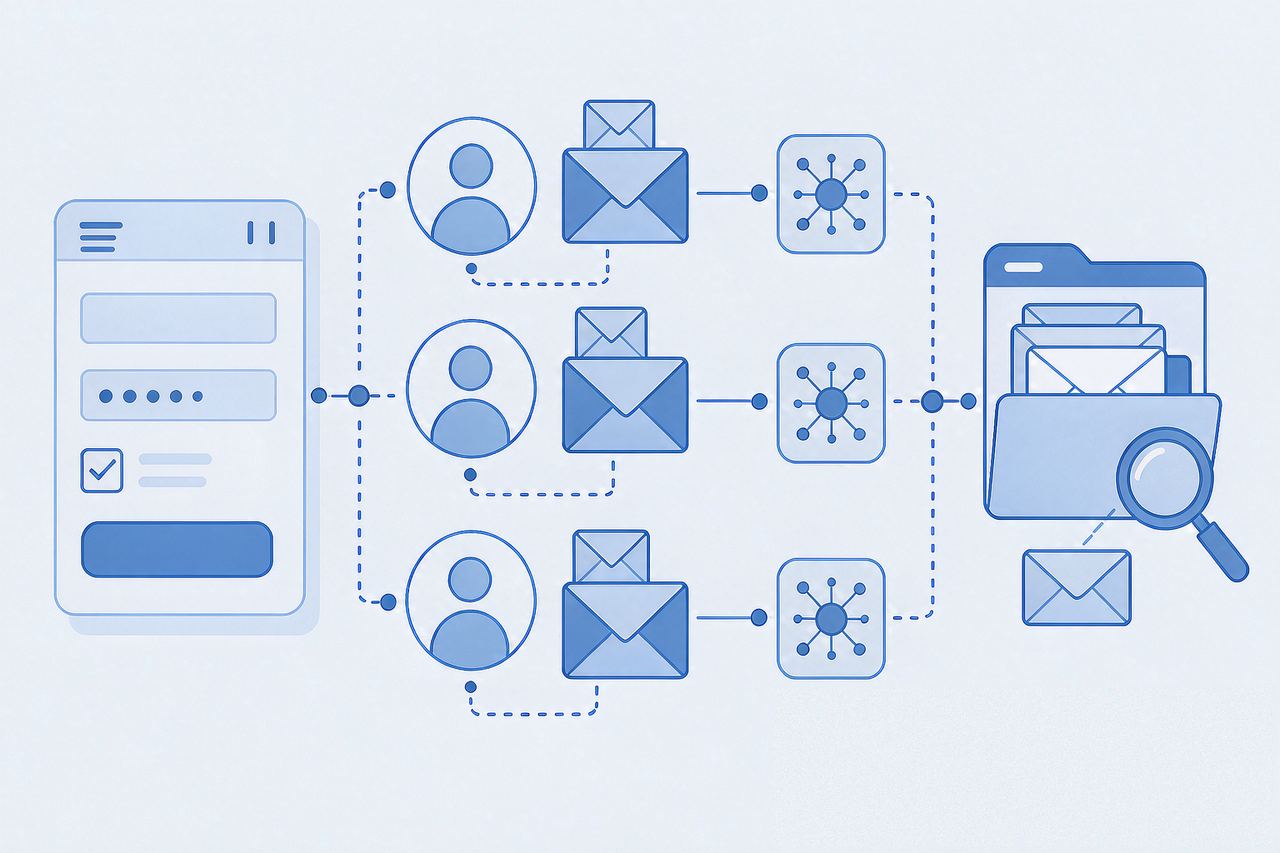
Group accounts by business purpose first, then judge by scenario:
| Scenario | Network suggestion |
|---|---|
| Personal + work accounts | Normal network is fine; no forced independent IPs |
| Multiple business accounts in one team | Plan uniformly or in groups per business relationships |
| Different teams/businesses managed separately | Consider independent fixed exits |
| Long-term core business accounts | Keep the network environment stable |
| Large-scale account creation | Follow Google policy; don’t treat proxies as a verification workaround |
Daily use: try to keep the network environment stable, avoiding frequent exit/login-environment changes without business need (a management practice to reduce unnecessary changes, not a hard rule).
Registration: if Google shows a verification prompt during registration, complete verification per the page’s requirements — don’t treat changing IP as a way around verification.
3. Multi-Accounts and Browser Environments
With many accounts, use different browser profiles or independent working environments to separate them; whether to use an anti-detect browser depends on the team’s management needs and tool capabilities (multi-account network thinking in the multi-account IP isolation plan — principles are universal; setup in the AdsPower tutorial). An anti-detect browser isn’t a requirement for Google multi-accounts.
4. Account Security: More Than the Network Environment
Beyond the network environment, multi-account management should separately maintain recovery emails, recovery methods, two-step verification, and login-device records — the network environment is only part of account management; it doesn’t replace account-security measures or Google policy requirements.
5. FAQ
Q: Do Google multi-accounts always need one account one IP?
A: Not necessarily. Google natively supports signing into multiple accounts at once. For normal personal, work, and business accounts, use network environments uniformly per business relationships; consider independent exits only if different teams or businesses need separate management. Independent IPs are a management approach, not a general Google mandate.
Q: Can one IP register multiple accounts?
A: Google supports users owning and using multiple accounts, but multi-account use must still follow Google’s account policy. Whether independent exits are needed depends on business relationships and management needs — it can’t be simplified to “one IP equals one account.”
Q: Registration prompts anomaly/verification?
A: First complete verification per Google’s page prompts, and confirm registration info, contact methods, and other requirements meet the page’s demands; if issues persist, then check whether the current network connection and browser environment are normal — don’t use IP changes as a verification workaround.
Q: Is Static Datacenter IP or Static Residential ISP better for Google multi-accounts?
A: If you only need a stable, fixed network exit, Static Datacenter IP usually suffices; consider Static Residential ISP if the business has extra ISP/residential network-source requirements. The difference between them is network-source attribute and cost.
Q: An account asks for verification — is it an IP problem?
A: Not necessarily. Verification has many causes; check Google’s specific prompt first, then investigate network, environment, and account status item by item — don’t conclude from one prompt that IP caused it, and don’t use IP changes to handle verification requirements.
6. Summary
Google multi-account management starts with grouping accounts by business relationship, then deciding whether independent network environments are needed. Long-term accounts can keep network exits stable; businesses needing separate management can plan independent IPs. The network environment is only part of account management — it doesn’t replace account-security measures (two-step verification, recovery methods) or Google policy requirements. Compliant account use is the root.
If you only need a stable fixed exit, Static Datacenter IPs usually suffice (available at IPNut); consider Static Residential ISP if the business has extra ISP/residential network-source requirements. Static Datacenter IPs also cover data tasks.
