



Running a Facebook multi-account matrix (multiple business pages, ad accounts), how to plan the network environment is an unavoidable topic. This article discusses IP isolation and network-environment management for multi-account operations: reducing unnecessary network-environment overlap between accounts so each account’s network exit stays relatively independent and manageable. It does not cover platform review rules and is not a method to “guarantee accounts never get associated” — platform judgment involves multiple dimensions, and IP is just one variable in the network environment.
1. Why Matrix Accounts Should Consider IP Isolation
Platform judgment of accounts is multi-dimensional (device, network, behavior, content, etc.), and the network environment is a relatively controllable part. If multiple accounts log in and operate from the same exit IP long-term, they share some network-environment signals — when other factors also exist, this may increase the likelihood of being identified as associated.
But keep two points clear throughout:
- Sharing an IP doesn’t equal guaranteed association
- Independent IPs don’t equal guaranteed non-association
The value of IP isolation is reducing unnecessary network-environment overlap between accounts, not chasing “guaranteed non-detection.”
2. The IP-Layer Management Plan (Four Steps)
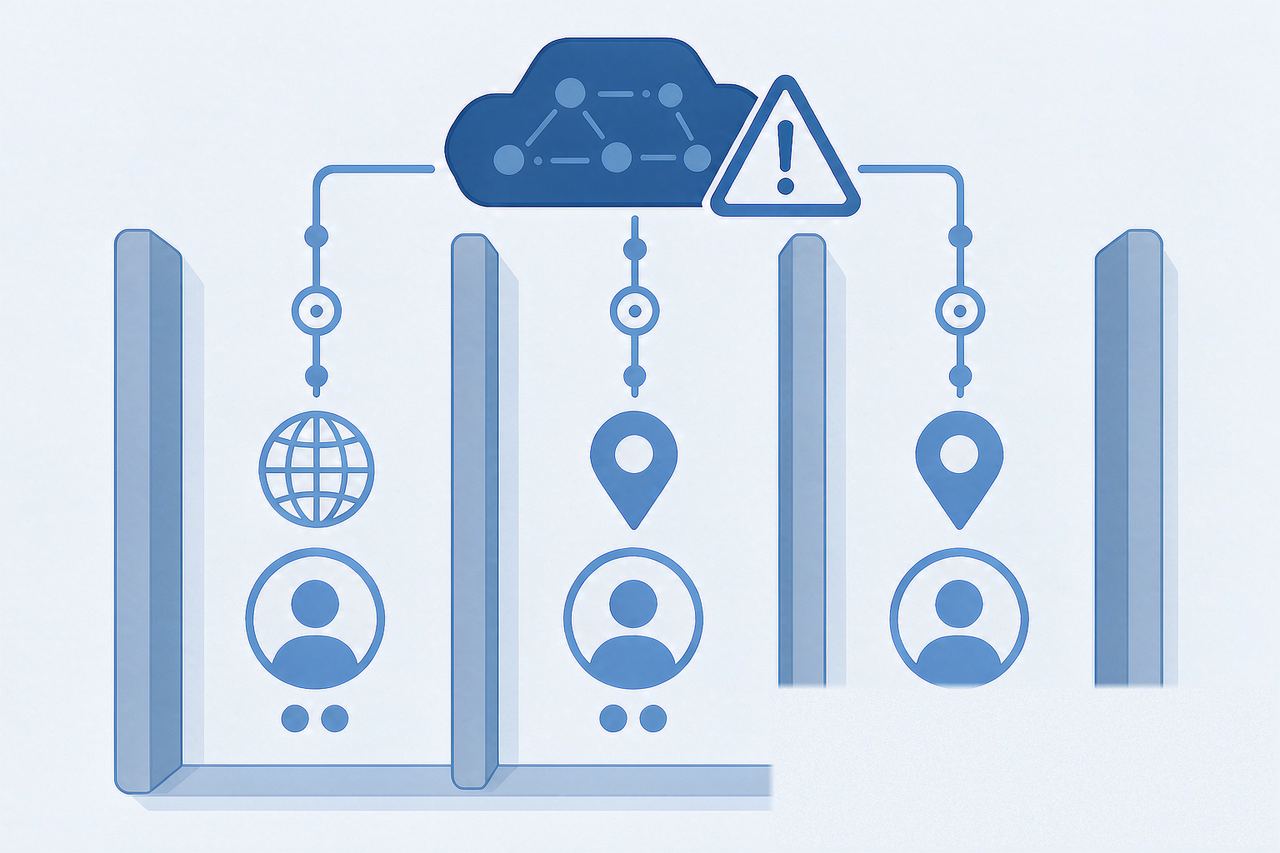
Step 1: One account, one independent IP
For multi-account scenarios needing separate network-environment management, plan independent exit IPs for different accounts to reduce network-environment overlap from long-term sharing of one exit. This is a network-environment management approach, not a platform mandate — whether to follow “one account, one IP” depends on your business and account-management style.
Step 2: Keep region reasonably consistent with business
If the business has a clear regional attribute, keep the network exit reasonably consistent with the actual operating scenario. For cross-region or global teams, choose network exits according to actual office and business environments — “IP must be wherever the target market is” is an unnecessary absolute (for IP types, see Native IP vs Datacenter IP).
Step 3: Keep the environment stable long-term
For long-term accounts, try to keep the network exit stable, reducing extra variables from frequent switching. Stability doesn’t mean “fixed IP prevents bans or guarantees security” — it just makes the environment easier to manage long-term (see Fingerprint Browser vs Proxy IP).
Step 4: Use an anti-detect browser to manage the device layer
IP isolation mainly manages network exits separately; an anti-detect browser maintains separate browser environments. Combined, the two make multi-account network and browser environments easier to manage independently (setup: the AdsPower tutorial or the Hubstudio tutorial).
3. Common Mistakes
- Mistake 1: assuming “same IP = definitely associated, different IPs = definitely fine” — sharing isn’t guaranteed association; independence isn’t guaranteed non-association
- Mistake 2: isolating IP but ignoring browser environments — browser environments also need separate maintenance; manage both layers together
- Mistake 3: thinking frequent IP changes are safer — stable environments are usually easier to manage long-term than frequent changes
- Mistake 4: relying on a single tool for account management — tools are aids; account content, behavior, and operations are also part of environment management
4. FAQ
Q: Can multiple Facebook accounts use the same IP?
A: Yes — whether it fits depends on the actual business environment and account-management style. A team sharing a network exit in a normal office environment doesn’t mean accounts will definitely be associated. If you want to manage accounts’ network environments separately, plan independent exit IPs. The point is reducing unnecessary environment changes, not blindly chasing “one account must have one IP.”
Q: Does IP isolation guarantee accounts never get associated?
A: No. IP isolation only reduces network-environment overlap; it can’t control other signals the platform may use.
Q: How should I plan IPs for a large matrix?
A: If you need to manage accounts’ network environments independently, establish account-to-IP mappings and keep disciplined records of accounts, IPs, and browser environments. The larger the scale, the more you need unified records and maintenance to avoid operational confusion.
Q: If an account shows a verification prompt, is the IP isolation at fault?
A: Not necessarily. Verification prompts have many possible causes; don’t conclude from one prompt that IP caused it — go through the suspicious-activity checklist item by item.
5. Summary
Network-environment management for a Facebook multi-account matrix boils down to: multi-account operations → plan network exits reasonably → use independent IPs as business needs → keep the environment stable → pair with independent browser environments. IP isolation and network-environment management aim to keep accounts’ network environments clear and manageable — not to circumvent platform review. IP isn’t the only factor in platform association judgment; doing your controllable part well is the pragmatic approach.
If the business needs to plan fixed network exits separately per account, a Static Residential ISP can serve as a stable IP-resource option (available at IPNut); for data tasks, use Static Datacenter IPs.
